Mr. Thomas, farmer on a small mixed farm with cattle, apple orchard, and over 50% home-made Calvados apple brandy ;) in front of his farm house in Le Mesnil-Gilbert (Manche) Normandie , France , Summer 1988.
Citation info : Normandy Farmer Thomas • Portrait #3 • Michel van der Burg • Miracles•Media • @1MEMO 20251117 • TakeNode 3b00a8db-a14d-4d28-a3b9-d10bab640f71
Screenshot April 11, 1995 at 21:48 of the desktop with a Filemaker window (•Brieffile, correspondence) on my Apple Macintosh PowerBook 160. A PICT file image that I recently gained access to. Desktop shows icon (renamed) SLIP of the InterSLIP application I used to get modem access (phone line) to the Leiden University gateway to internet, email, news, gopher, ftp etc . I wrote the protocol (two scripts) required by this SLIP application to get access to the Leiden University gateway to the internet. From May 1995 Leiden University distributed my scripts to the other Macintosh users of our University.
Below the two scripts published May 18, 1995 ….
Below the ‘Minimal dialing script’ :
! Original script by Fred Morris ! Modifications and comments by Adam C. Engst ! 21-Feb-94 = Added redial feature (ACE)
@originate ! Initialize mode from string in InterSLIP configuration note “Initializing modem” write “^4\13” pause 20 ! Dial modem from number in InterSLIP configuration note “Dialing ^1” write “atdt^1\13” ! Check only for BUSY or CONNECT, then redial or connect matchstr 1 10 “BUSY” matchstr 2 20 “CONNECT” matchread 500
@label 10 ! The line is busy, so let’s redial the modem indefinitely ! This will also redial after the (matchread 500) timeout if you get endless rings note “Line busy, redialing ^1” ! First hang up and reinitialize modem from string in InterSLIP configuration write “+++” pause 60 write “ath\13” write “^4\13” ! Then go back and dial again using phone number in InterSLIP configuration jump originate
@label 20 ! Everything worked fine, you’re connected now note “Dialed successfully” exit 0
@answer @hangup ! Hang up the modem and reinitialize from string in InterSLIP configuration ! The only way to get here is to manually click the Disconnect button note “Hanging up modem” write “+++” pause 60 write “ath\13” write “^4\13” exit 0
Below the “FullCRIgateScript” for access via 278282 with password and username check:
! InterSLIP gateway script for CRIgate with password access ! original script by Adam C. Engst ! modified by MvdBurg@RULLF2.MedFac.LeidenUniv.NL (MPM van der Burg) ! @originate !write “\13” note “Waiting for prompt” matchclr matchstr 1 1 “Annex username: “ matchread 900 note “Gateway not responding!” exit -1 ! @label 1 note “Sending user name” write “^5\13” matchclr matchstr 1 2 “Annex password:” matchread 900 note “Gateway not responding!” exit -1 ! ! @label 2 note “Sending password” write “^6\13” matchclr matchstr 1 4 “Permission granted” matchstr 2 3 “Username/Password Incorrect” matchread 900 jump 99 ! @label 3 note “Username/Password Incorrect” jump 99 ! @label 4 note “Requesting SLIP” matchclr matchstr 1 5 “drive-in: “ matchread 900 jump 99 ! @label 5 write “slip\13” matchclr matchstr 1 10 “Switching to SLIP.” matchstr 2 6 “CLI: Command not found.” matchread 900 note “Cannot invoke SLIP mode” jump 99 ! @label 6 note “Command not found” jump 99 ! @label 10 note “Searching IP address” matchclr matchstr 1 25 “Your address is “ matchread 900 note “No AddressLine found” jump 99 ! @label 25 note “SLIP address found” matchclr matchexp 1 30 “[0-9][0-9]\.[0-9][0-9]\.[0-9][0-9]\.[0-9][0-9]\.” matchread 500 note “No IP address found” jump 99 ! @label 99 pause 1 pause 60 exit -1 ! ! We’ve found an IP address, so inform MacTCP of it. ! @label 30 note “Setting IP address” setip “^0” note “^0” Pause 30 write “set port internet slip enable” write “\13” ! note “Slip enabled” pause 20 ! matchclr exit 0
! ! Answer and Hangup modes are currently unused in gateway ! scripts, but just for future compatibility, exit successfully. ! @answer @hangup ! Hang up the modem and reinitialize from string in InterSLIP configuration ! The only way to get here is to manually click the Disconnect button note “Hanging up modem” write “+++” pause 60 write “ath\13” write “^4\13” exit 0
Citation info : Coding 1995 Internet Access Macintosh • Michel van der Burg • Miracles•Media • @1MEMO 20250515 • TakeNode • URL 1-memo.com/2025/05/15 •
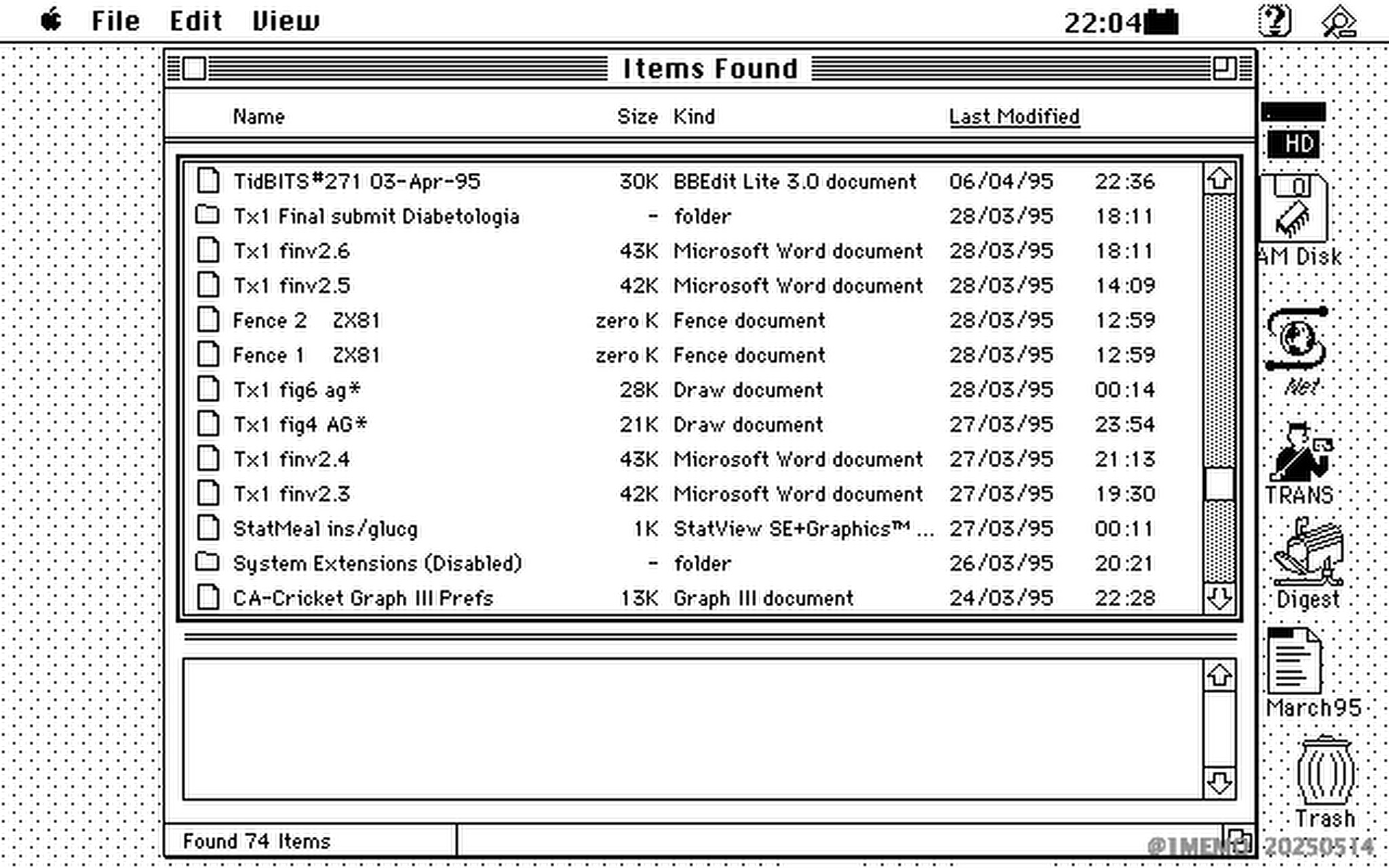
Screenshot April 11, 1995 at 22:04 of the desktop with file search window on my Apple Macintosh PowerBook 160. Desktop shows icon (renamed ‘Net’) of web browser NCSA Mosaic. A PICT file image that I recently gained access to.
Citation info : Desktop 1995 Macintosh PowerBook 160 • Michel van der Burg • Miracles•Media • @1MEMO 20250514 • TakeNode e29d72db-e6a0-4e6c-9474-9822ec7f854f • • URL 1-memo.com/2025/05/14 •
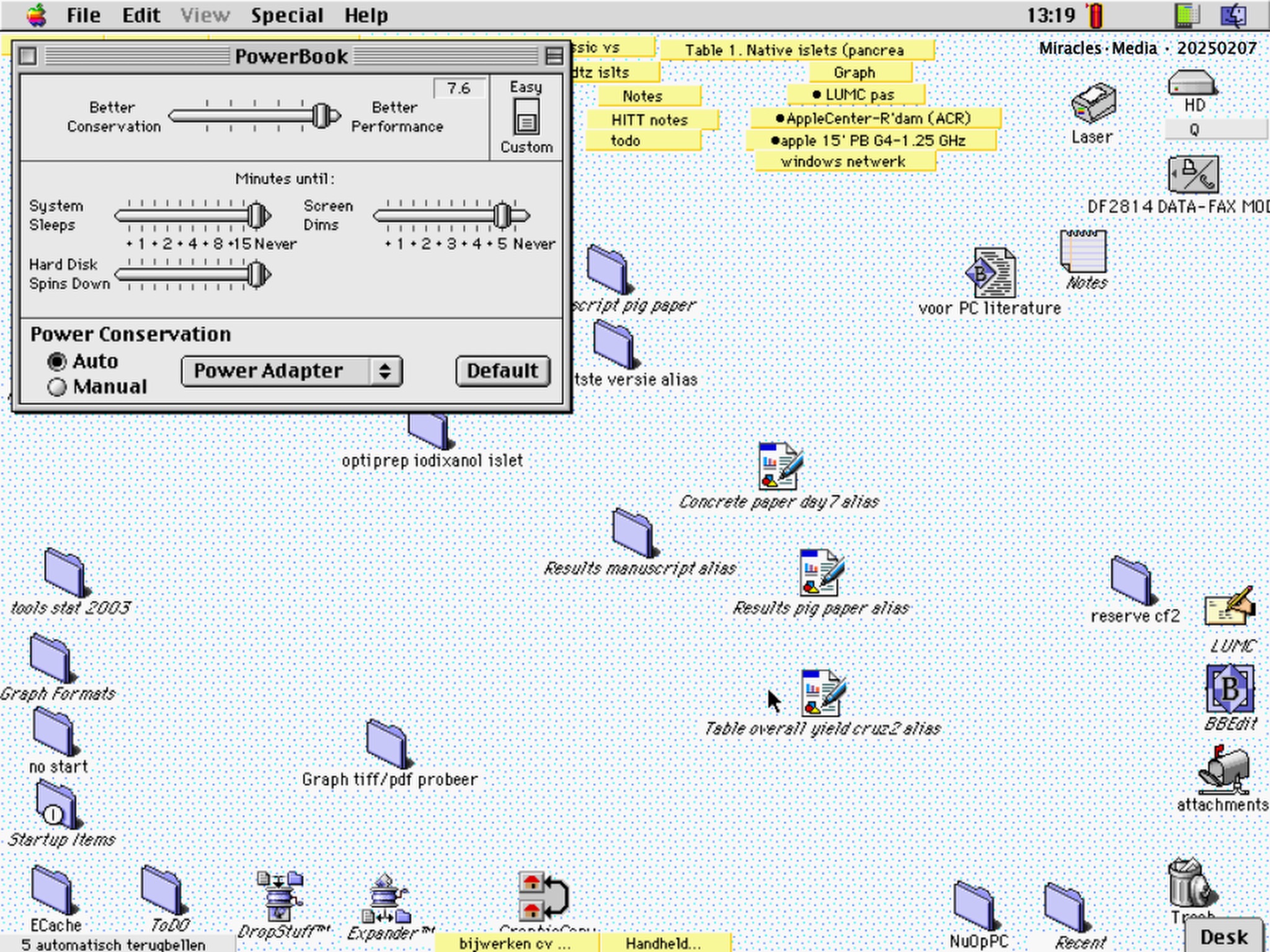
Citation info : PowerBook • Michel van der Burg • Miracles.Media • @1MEMO 20250207 • TakeNode 80d0458f-ba30-483a-96cf-31a23c089d05 • URL michelvanderburg.com/2025/02/07/
Second day with the new iPhone 16 Pro Max. Quick comparison of the main – fusion – camera settings 1x and 2x – plus a clip with 5x tele lens. Internal video recording on the iPhone of . External Shure MV88+ microphone. Details of the recording and editing data in video.
Internal video recording on the iPhone.
Video file transfer failed for 2 files from 77 total using a brand new 1 meter Caldigit Thunderbolt 4 Pro Cable (using a 2021 Macbook Pro M1Max). I suggested yesterday that the new Apple Thunderbolt 5 cable might have caused a transfer failure. Today however – examining various cables and 2 ports on the Macbook , I conclude the issue is associated rather with one particular Thunderbolt 4 port on my Macbook, not the various cables tested.
Sheep in the Green Heart of Holland.
Citation info : Video Review #2 iPhone 16 Pro Max Fusion Camera • Michel van der Burg • Miracles•Media • @1MEMO 20241114 • TakeNode 39614574-a422-4f01-98cf-17be04b8b4e1
First encounter with the new iPhone 16 Pro Max, and quick comparison with my previous iPhone, the 12 Pro Max. Details of the recording and editing data in video.
Internal video recording on both iPhones.
Video file transfer using the new Apple Thunderbolt 5 cable failed for 2 files from 26 total (using a 2021 Macbook Pro M1Max). Starting all over, again FCP refused importing those 2 files. Airdrop transfer was no problem.
Also no problem importing those 2 files in FCP with a Caldigit Thunderbolt 4 Pro Cable (0.5 m).
Conclusion : great quality with standard 1x lens on new iPhone. Low light recording with 5x tele lens not so great…
Sheep at sunset yesterday in the Green Heart of Holland.
Citation info : Video Review #1 iPhone 16 Pro Max vs iPhone 12 Pro Max • Michel van der Burg • Miracles•Media • @1MEMO 20241113 • TakeNode 496a7ee5-47c5-48c9-b109-eb4194c8fb30
Snowdrop in dutch sneeuwklokje which translates to ‘little snow bell’ . Tingeling is dutch for Ting-a-Ling. Raw iphone image in Groene Hart, Holland. Over the past years , with always filming I hardly ever photographed , photos weere taken only for behind the scenes documentation items at film site. Recently tried for the first time Apple ‘Live’ photos with the aim of testing use of the video clip of live photos , for filmmaking. Now with RAW setting for taking photos , no video was taken simultaneously.. i noticed after importing…