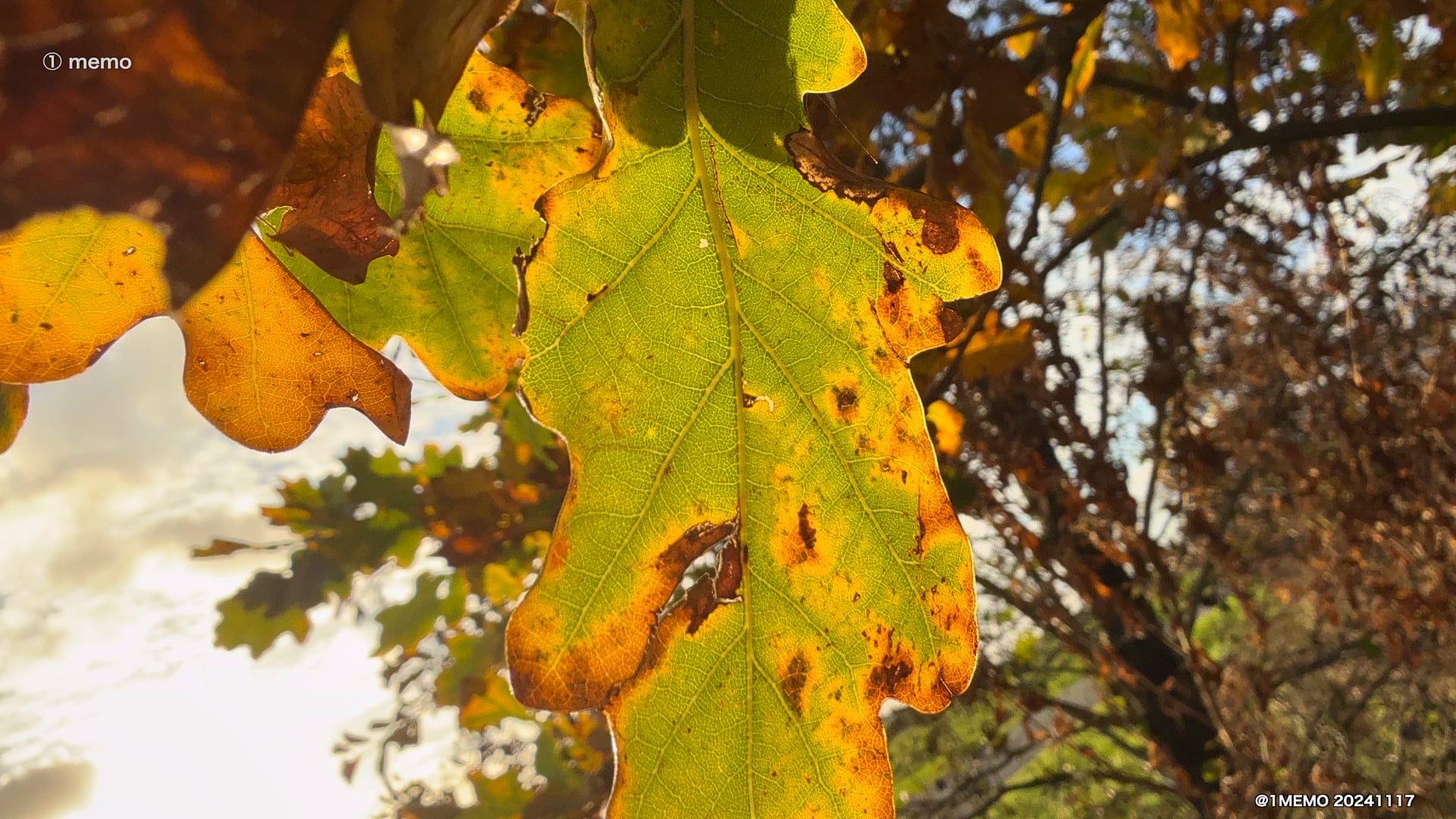
Video Review #8 ProRes Log vs ProRes HLG iPhone 16 Pro • 20241123


Test #2 comparing 4K 25p Prores HQ Apple Log (Rec. 2020) vs HDR (Rec. 2020 HLG) video recording internally in iPhone 16 Pro.
Also comparing again the Stalman procedure and LUT with the Log files (see below) as described in detail a few days ago , dd 20241115 (link below).

Video edited with Final Cut Pro 11 in ProRes HQ – 4K 25p SDR projects (Rec. 709).
ProRes uploads, 4K at YouTube, and HD at Vimeo. Uploads at Substack and Instagram using the Vimeo converted HD file (H264).

Notes

How to color grade LOG in Final Cut Pro (Aug 13, 2024) by Tyler Stalman URL https://youtu.be/OZFtRYnUuoQ

Video Review #3 ProRes Log vs ProRes HLG from iPhone 16 Pro • 20241115 – URL https://youtu.be/_4EEaLF6cGY

Citation info : Video Review #8 ProRes Log vs ProRes HLG iPhone 16 Pro • Michel van der Burg • Miracles•Media • @1MEMO 20241123 • TakeNode 163a1495-7708-4a20-93bb-f653cf495cd2

Video Review #7 Macro ProRes HDR iPhone 16 Pro • 20241120


Pollinator (fly I guess) on dandelion in Holland filmed in ProRes HDR macro mode on iPhone 16 Pro with wireless Røde GO II stereo sound.

Still (thumbnail) video

@1memo.bsky.social

BlueSky video ( replacing Twitter )

@1memo.bsky.social

Video Review #7 Macro ProRes HDR iPhone 16 Pro • @1MEMO 20241120Pollinator (fly I guess) on dandelion in Holland filmed in ProRes HDR macro mode on iPhone 16 Pro with wireless Røde GO II stereo sound.

(@1memo.bsky.social) 2024-11-20T19:53:43.846Z

Citation info : Video Review #7 Macro ProRes HDR iPhone 16 Pro • Michel van der Burg • Miracles•Media • @1MEMO 20241120 • TakeNode 5acfa997-442d-4622-9fa2-50465f32598a

LUMA • 20241118


Just happenstance … that I today made this music video , and while uploading ‘LUMA’, read the news on the boost of BlueSky … So I started there with this bluesky last night in Holland.

BlueSky post
https://bsky.app/profile/michelvanderburg.bsky.social/post/3lbb4rfvhc22b

BlueSky handle
michelvanderburg.bsky.social

Note
Video Review #6 ProRes HDR from iPhone 16 Pro with Røde Wireless Stereo
The 6th day examining video creation with the iPhone 16 Pro … focusing on Apple ProRes HDR video , and options for stereo sound , here using the Røde wireless GO II.

Music : Bioluminescence by Brianna Tam • Artlist

Citation : Luma • Michel van der Burg • Miracles•Media • @1MEMO 20241118 • TakeNode 9ff63fa0-4110-4af7-9529-85249796e43a

Video Review #5 ProRes HDR from iPhone 16 Pro with Macro mode & Røde Wireless Stereo • 20241117


Rattling leaves on a windy day, today in the Green Heart of Holland.
ProRes HDR recording, with wireless stereo sound using Røde wireless GO II on iPhone 16 Pro, filming with the Main (wide) camera, switching automatically to macro mode with the Ultra Wide camera. The Røde transmitter mics have the default furry windscreen mounted, and are packed in furry windscreen bags … hanging next to each other in this tree … as shown briefly towards the end of this 1 minute clip at around 47 seconds on the timeline.

More Specs

Video shot in HDR-HLG 4K 25p Apple ProRes HQ format.
Edited with Final Cut Pro 11 in a ProRes HQ – 4K 25p HDR project (Wide Gamut HDR – Rec. 2020 HLG). No color grading.
Audio externally recorded with Røde wireless GO II, using 2 layers of furry windscreen. Audio gain +24 dB in FCP.

Upload ProRes 4K at YouTube, ProRes HD at Vimeo.
A Vimeo SDR conversion uploaded at 1memo.substack.com and instagram.com/michelvanderburg/

Citation info : Video Review #5 Apple ProRes HDR from iPhone 16 Pro with Macro mode & Røde Wireless Stereo • Michel van der Burg • Miracles•Media • @1MEMO 20241117 • TakeNode d5532a92-6098-43ce-ac20-fcffdc2668a7

Video Review #4 ProRes HDR from iPhone 16 Pro & Wireless Stereo • 20241116


Short film of highland cattle , on a pretty windy grey day, today in the Green Heart of Holland.

Focusing on ProRes HDR recording on iPhone 16 Pro , and also a first test recording wireless externally stereo audio using the Røde wireless GO II system.

I previously researched stereo recording with the Røde wireless ME system, with no success (not published).

Video shot in HDR-HLG 4K 25p Apple ProRes HQ format with main camera at 2x setting of the iPhone 16 Pro Max and stored internally.
Edited with Final Cut Pro (FCP) 10.8.1 in a ProRes HQ – 4K 25p HDR project (Wide Gamut HDR – Rec. 2020 HLG). No color grading. Some of the clips cropped.
Audio externally recorded with Røde wireless GO II, using 2 layers of furry windscreen. Overall gain +24 dB in FCP, and next lower frequencies reduced. Upload (HEVC) 4K at YouTube, HD at Vimeo.

I also examined again the landscape today, that I filmed 2 days ago (also a grey day) in HDR-HLG , especially the colors of the grass, and concluded that the iPhone’s ProRes HDR (wide gamut HLG) footage best represents the actual colors , both when processed in HDR and in SDR color space — as compared with the Apple Log footage as processed in SDR color space, and uploaded yesterday.

Citation info : Video Review #4 ProRes HDR from iPhone 16 Pro & Wireless Stereo • Michel van der Burg • Miracles•Media • @1MEMO 20241116 • TakeNode ddc00dfb-f0de-498d-bf65-7feb5bae60d9

Video Review #3 ProRes Log vs ProRes HLG from iPhone 16 Pro • 20241115


Third day with the new iPhone 16 Pro Max. Comparing Apple Prores HQ video recording using both the Apple Log (Rec. 2020) and the HDR (Rec. 2020 HLG) color space format.
Internal 4K 25p video recording with the main – fusion – camera set at both 1x and 2x. I am not a colorist ;) and have no experience with log video.
I do have some experience with HDR-HLG recording on both the iPhone and Sony camera’s, and editing HLG in FCP, mostly in standard gamut SDR projects.
Started last night editing Apple log clips , and online found an interesting instruction video by Stalman.
I tested the Stalman procedure (YouTube URL https://youtu.be/OZFtRYnUuoQ ) of changing file settings (Color space override with Rec.709 ; disable Apple’s Apple Log LUT) and color grading before applying the Stalman – Apple Log to Rec709 LUT on my Apple Log clips and saved my color graded video ‘Stalman Apple Log Transform (SALT)’ encoded with Apple Prores HQ.
Next a SDR (Rec. 709) project was used in a new Rec.709 FCP library, for importing native (unaltered) clips — both Apple Log and HDR-HLG iPhone footage — with the automatic FCP color conform setting, and with automatic Apple LUT applied on the Apple Log clips. Using the FCP installed Color adjustments effect I did some minor color editing of these clips. The SALT graded clips were added with no further modifications.

Some video production details

iPhone 16 Pro Max – main camera used at 1x or 2x.
Video storage internally on the iPhone while recording 4K 25p Apple ProRes HQ files with either ProRes Apple Log or ProRes HDR encoding.
Video edited with Final Cut Pro (FCP) 10.8.1 in a ProRes HQ – 4K 25p SDR project (Rec. 709). The Stalman transform and color grade procedure was tested watching instructions at YouTube.

Output for upload ProRes HQ 4K for YouTube, ProRes HQ HD for Vimeo, and HD 1080p, H264, 24,000 kbps for Substack and Instagram.

?

What do you think , looks best in this comparison of ProRes Log and ProRes HLG video clips ?

Notes

1. How to color grade LOG in Final Cut Pro (Aug 13, 2024) by Tyler Stalman URL https://youtu.be/OZFtRYnUuoQ
Note : On the Stallman LUTs for LOG in the description. I first bought the new ‘Film LUTs for iPhone (Apple Log).
This wasn’t what was really needed here. A different file was needed : the Apple Log to Rec709 Transform.

Color space override — I wonder : Why apply Color Space Override Rec.709 on the Rec.2020 Apple Log footage, in combination with the Stalman Apple Log to SDR LUT with settings input Rec.709 and output Rec.709 — see Stalman Timeline t5.54 URL https://youtu.be/OZFtRYnUuoQ .
Why not skip the ‘override’ and use input Rec.2020 with that LUT ? I guess it has to do with FCP auto color conform not disabled ? or else the LUT was build for other files ?
See also What is Apple Log and How to Color Grade It (Sep 28, 2023) by Evan Schneider URL https://youtu.be/QMErbsEAgCI

Further experience with file import failure in FCP — iPhone file import in FCP failed again for 3 of the 15 files selected. Each time the last 3 days that I started an import from the new iPhone in FCP (version 10.8.1) I had this issue (see also posts previous days). Today, after using 3 different cables and both of the 2 free USB-C ports in different combinations on my 2021 Macbook Pro M1Max over the past days, I can conclude the issue is either the new iPhone or FCP. I haven’t had any issue with the Macbook before. I believe it is the software – probably FCP causing the failures. I noticed that one of the files imported 2 days ago, with a lenght of 4 minutes , has indeed 4 minutes audio , but only around 1 minute video, and a still image for the rest of the video. File transfer did work for all files eventually when started all-over, restarting FCP and reinserting a cable… Before , over the past years, I noticed issues working with FCP when a new upgrade was about to arrive … yesterday v11 was reported.

Citation info : Video Review #3 ProRes Log vs ProRes HLG from iPhone 16 Pro • Michel van der Burg • Miracles•Media • @1MEMO 20241115 • TakeNode 84e09831-485b-460a-b995-a44547be9448

Video Review #2 iPhone 16 Pro Max Fusion Camera • 20241114


Second day with the new iPhone 16 Pro Max. Quick comparison of the main – fusion – camera settings 1x and 2x – plus a clip with 5x tele lens. Internal video recording on the iPhone of . External Shure MV88+ microphone. Details of the recording and editing data in video.

Internal video recording on the iPhone.

Video file transfer failed for 2 files from 77 total using a brand new 1 meter Caldigit Thunderbolt 4 Pro Cable (using a 2021 Macbook Pro M1Max). I suggested yesterday that the new Apple Thunderbolt 5 cable might have caused a transfer failure. Today however – examining various cables and 2 ports on the Macbook , I conclude the issue is associated rather with one particular Thunderbolt 4 port on my Macbook, not the various cables tested.

Sheep in the Green Heart of Holland.

Citation info : Video Review #2 iPhone 16 Pro Max Fusion Camera • Michel van der Burg • Miracles•Media • @1MEMO 20241114 • TakeNode 39614574-a422-4f01-98cf-17be04b8b4e1